Track your spending without handing your data to anyone.
You don't need to connect your bank to use MyMoney: log through the quick modal or import an OFX, CSV or XLSX statement. And what you record stays in one place, encrypted, with no data sales, no ads and no third-party AI reading your statement.
No card · Ready in 2 minutes · Cancel anytime
- No connection required
- Data in one place, encrypted
- No data sales, no ads
- No third-party AI
- Export everything, any time
What an app gains when you hand over your data
Connecting a bank to a finance app — through Open Banking or a direct login — gives it continuous read access to your statement: every purchase, every transfer, every paycheck, refreshed daily. It is convenient, and that is exactly why so many people ask whether it is safe.
Under regulated Open Banking the consent is limited and revocable. Even so, your full history leaves the bank and now also lives on the app's server. The right question isn't only "is it safe to connect?" but "what does the app do with my data afterwards, and what does it live on?".
Free apps that live on ads, partnerships or commissions from financial products have an obvious incentive to make use of what they see in your statement. And many apps with "AI" features ship your transactions to outside artificial-intelligence companies, which can use them however they like. We name no names: read any app's privacy policy before handing it your statement.
How MyMoney treats your data
The model is simple: you pay for the app (or use Starter, which is paid for by Plus and Premium subscribers), so the app answers only to you. Your data lives encrypted in our database and nowhere else: it is never sold, never turned into an advertising profile, never sent to any third-party AI or analytics service, and nobody on the team browses your records.
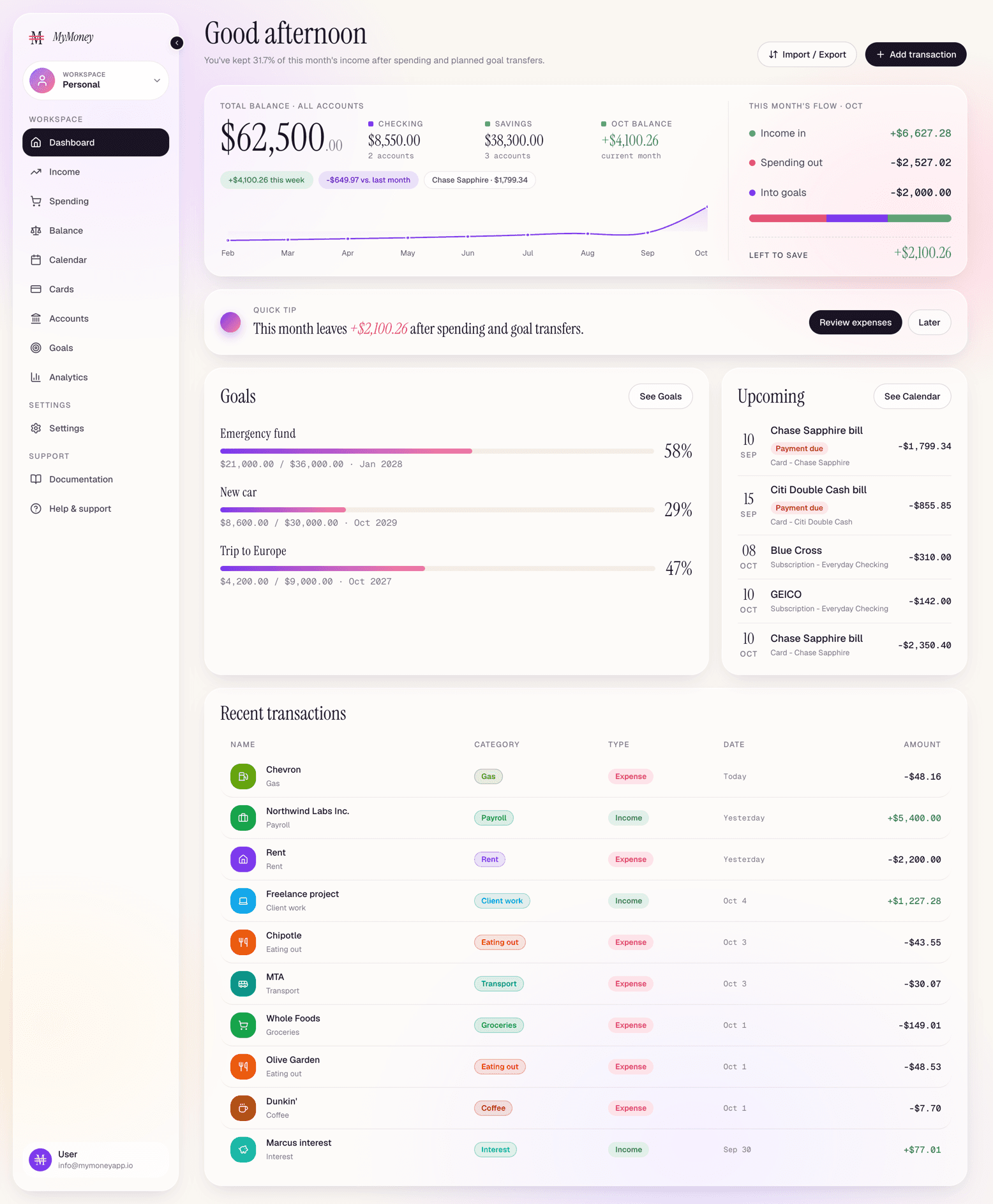
Every tip, chart and projection you see is computed inside the app, from your own numbers. Nothing leaves to be analysed. The Privacy Policy puts this in writing, in plain language, and any change to those commitments is announced 30 days in advance.
Why the bank connection is optional
We started without bank integration for two reasons. The first is privacy: the app only knows what you decide to tell it. The second is quality: an entry you made yourself, with the right category, is worth more to your budget than a hundred raw lines nobody reviews.
Open Finance integration is in development and will arrive as an option, first for Premium subscribers in a closed beta, under the same privacy rules as everything else. Anyone who prefers manual entry or statement import carries on exactly as today. If you need automatic sync right now, the Comparison says plainly which apps do that today.
What you do instead of connecting
Two ways in, which complement each other, and the rest of the app working on top of them:
- Quick entry modal: amount, description, category, account or card. It takes seconds on phone or desktop, and the app installs as a PWA on iPhone and Android.
- Statement import in OFX, CSV or XLSX, on every plan, with a review step before confirming. Download from your bank's app, drop it in MyMoney. See Import bank statements.
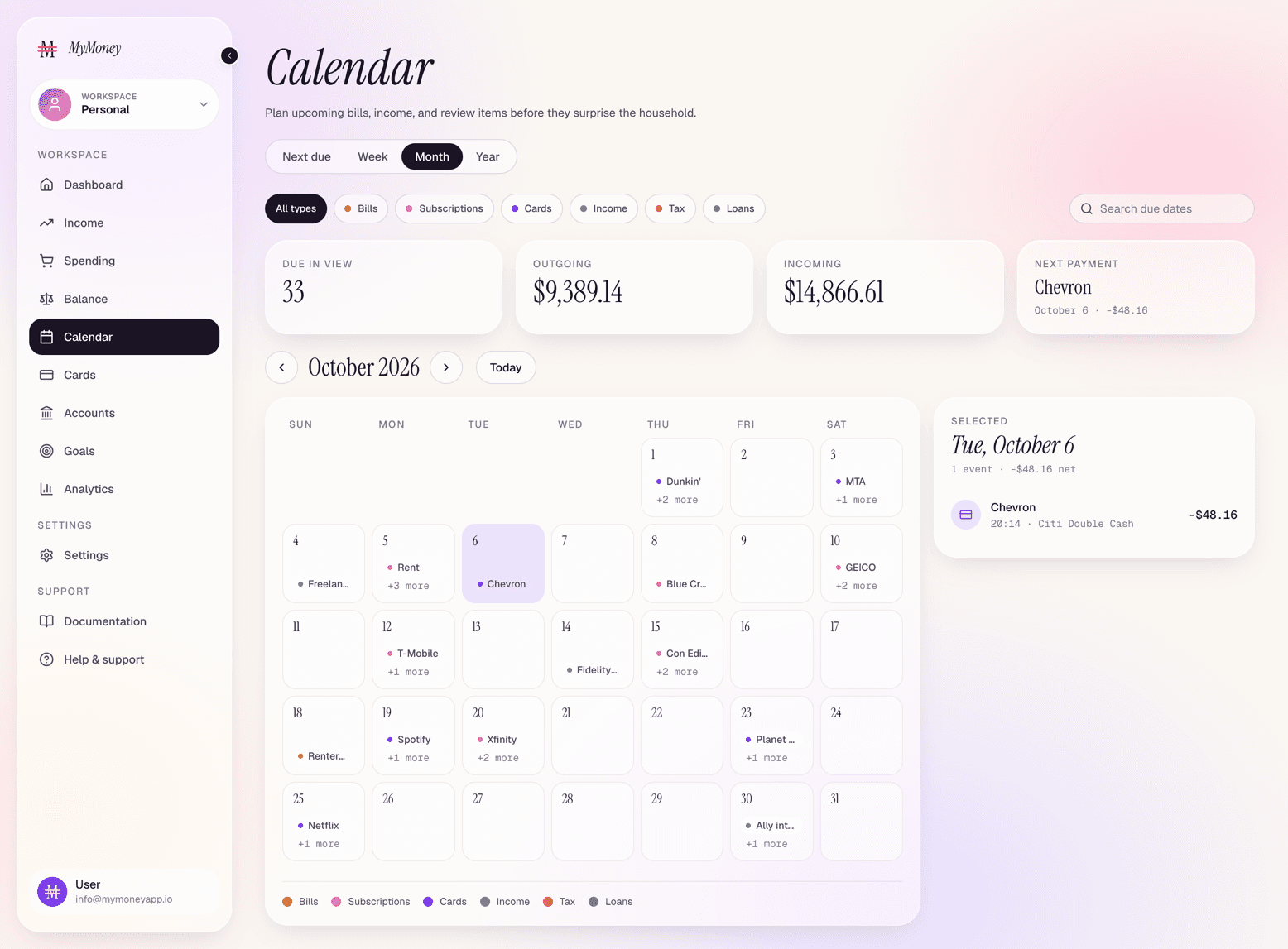
- Cards with closing and due dates, statements tracked month by month and auto-debit marked on the bills and subscriptions calendar.
- Account yield modelled as a % of CDI or a monthly/annual rate, so your emergency fund shows up growing without depending on a statement.
If you want to leave
Leaving is as simple as joining: export in CSV, XLSX or OFX is available at any time, on every plan, and the file re-imports. Deleting your account, from Settings, permanently erases your login, accounts, cards, transactions and goals.
The Starter plan is free and asks for no credit card; paid plan prices are in Pricing and the full policy is in Privacy.
- Is it safe to connect a bank to a finance app?
- Under regulated Open Banking the consent is limited and revocable. The real risk is what the app does with the history afterwards: selling it, building an ad profile, or sending it to third-party AI services. Ask what the app lives on and read its privacy policy before connecting.
- Do I need to connect my bank to use MyMoney?
- No. Today the app has no bank integration at all: you log through the quick modal or import a statement in OFX, CSV or XLSX, on any plan. See Import and export.
- Does MyMoney use AI on my data?
- No. Tips, charts and projections are computed inside the app, from your own numbers. Nothing is sent to outside AI or analytics companies.
- When is Open Finance coming?
- It is in development, with no public date. It will arrive as an option, first for Premium subscribers in a closed beta, under the same privacy rules, and anyone who doesn't want to connect carries on as today.
- Do you sell my data or show ads?
- No. Data lives encrypted in one place, is never sold, and there are no ads in the product. Starter is free because Plus and Premium subscribers pay the bill, not your data.
- What if I want to leave?
- Export everything in CSV, XLSX or OFX at any time. The file re-imports and the data is yours. See If I cancel, do I lose my data?
Your money, in your hands only.
Start without connecting anything and without handing anything over: log through the quick modal or import a statement. Free to start, no card.
Start for freeNo card · Ready in 2 minutes · Cancel anytime · Pricing